



Download Mini Golf Club – mini golf, 3D mini golf, golf simulator, golf game, mini golf game, golf app, mini golf simulator, mobile golf game, 3D golf game, golf simulator app, golf game for mobile
Overview
Mini Golf Club is a 3D mini golf simulator designed to deliver an immersive and entertaining golfing experience on mobile devices. The app caters to players of all ages who enjoy casual yet challenging gameplay, offering a digital recreation of real-world mini golf with enhanced visual and mechanical fidelity. It addresses the desire for accessible, high-quality sports simulation games that can be enjoyed anytime, anywhere—whether during a commute, a break at work, or a family game night.
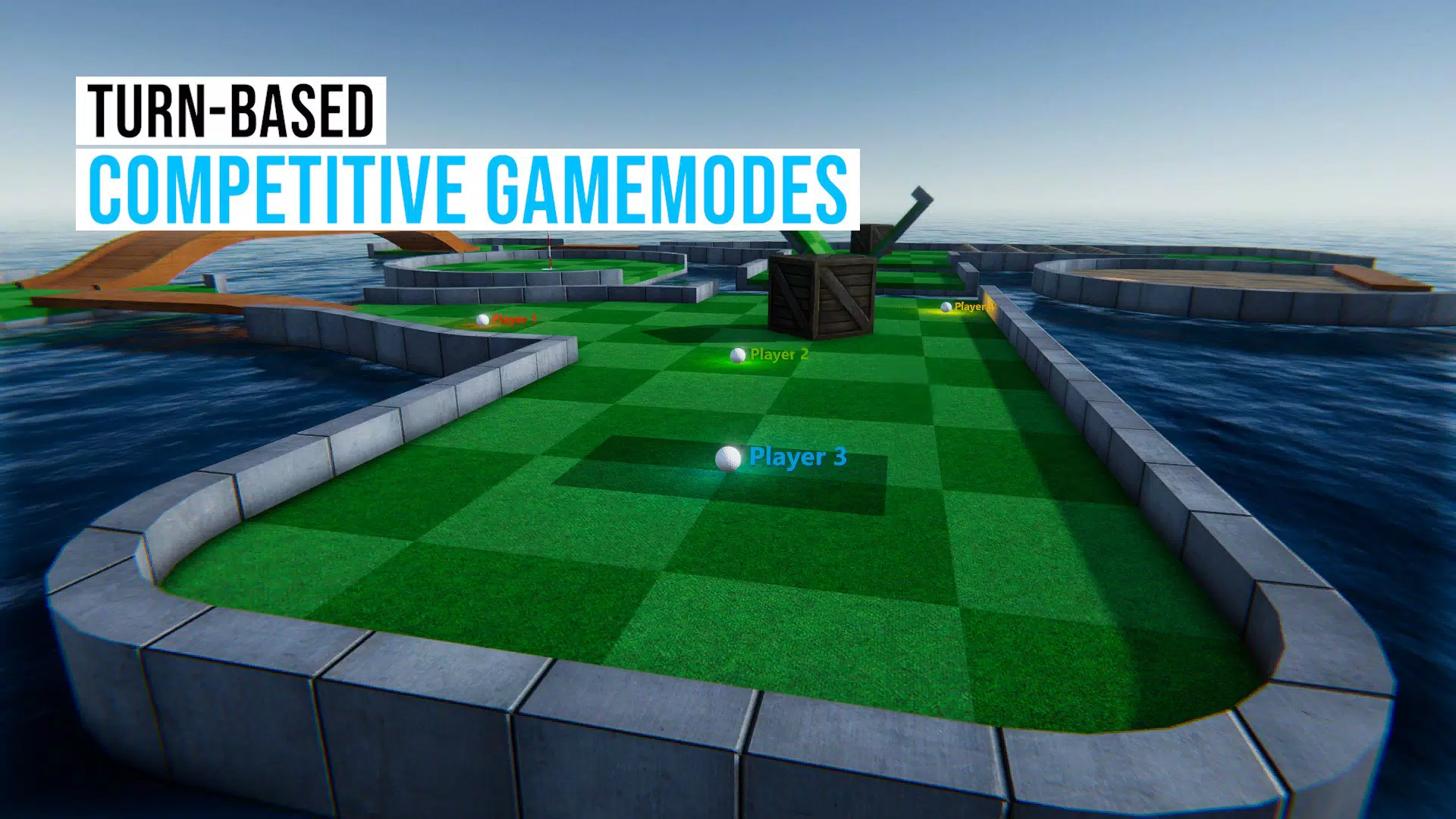
The game’s core purpose lies in combining realistic physics with vibrant 3D graphics to simulate authentic mini golf mechanics, including ball spin, slope dynamics, and obstacle interactions. With over 300 unique holes, each featuring distinct layouts, hazards, and interactive elements, the app provides substantial replay value and long-term engagement. The inclusion of multiple game modes—such as Tournament, Practice, Versus, Splitscreen, and Online Multiplayer—caters to both solo players aiming to improve their skills and competitive users seeking real-time challenges.
Target users include casual gamers, mini golf enthusiasts, families looking for shared entertainment, and mobile players who appreciate simulation-based games. The developer, Mini Golf Club, has positioned the app as a free-to-play utility within the gaming ecosystem, emphasizing accessibility and broad appeal. Although the developer did not provide additional technical details or background, the app’s longevity since its release in December 2014 suggests sustained relevance and user interest. Real-world use cases range from quick daily sessions to extended multiplayer events with friends, making it a versatile tool for leisure and social interaction.
Key Features & Functionality
- Diverse Game Modes: The app supports multiple gameplay styles, including Tournament for structured competition, Practice for skill development, Versus for local head-to-head play, Splitscreen for dual-device gameplay, and Online Multiplayer for global challenges. These modes allow players to adapt their experience based on time, mood, and social context.
- Extensive Course Variety: With over 300 interactive holes, each designed with ramps, tunnels, sand traps, and dynamic obstacles, the game ensures consistent novelty. The physics engine influences every shot, meaning no two playthroughs are identical, enhancing long-term engagement.
- User-Friendly Course Editor: Players can create custom holes using a simple block-based system. This feature promotes creativity and personalization, allowing users to design, save, and potentially share their courses with the community.
- Replay System: The built-in replay function enables users to record and review their best or most memorable shots. This functionality supports social sharing and personal achievement tracking, making it ideal for showcasing skills or laughing at funny moments.
- Multi-Platform Input Support: The app is compatible with touchscreen, keyboard, mouse, and controller inputs, ensuring flexibility across devices. This adaptability allows players to choose their preferred control method based on comfort and availability.
These features collectively enhance usability and enjoyment. For example, a player can use the Practice mode to master a tricky hole, then challenge a friend via Splitscreen, record a successful shot with the replay system, and later share it through social platforms. The combination of customization, replayability, and social interaction makes the app a compelling choice for mobile gamers seeking depth beyond simple mechanics.
Interface, UX & Performance
The app’s interface is designed with intuitive navigation, allowing users to access game modes, courses, and settings with minimal effort. The visual style leans toward bright, stylized 3D graphics that emphasize clarity and engagement without overwhelming the screen. Menus are logically structured, with clear icons and readable text, supporting quick onboarding for new users.
Navigation flow is consistent across sections, guiding players from the main menu to course selection, game setup, and in-game controls. The user experience is optimized for touch-based interaction, though support for external input devices adds versatility. Responsiveness is generally smooth, though the developer did not list formal performance metrics. Performance may vary slightly depending on device hardware, but the app remains stable during standard gameplay sessions.
Although the developer did not list formal performance metrics, the app’s long-standing presence on both Android and iOS suggests reliable stability and compatibility. The 100 MB file size indicates efficient resource management, contributing to faster installation and lower storage demands. Users can expect consistent frame rates during gameplay, particularly on mid-to-high-end devices. However, specific requirements were not listed, so performance on older or low-end hardware remains unverified.
Platform Compatibility & Technical Requirements
Mini Golf Club is available on both Android and iOS platforms, making it accessible to a wide range of mobile users. The app supports multiple operating systems, though the developer did not specify minimum OS versions or hardware requirements. This lack of detail means compatibility with older devices cannot be confirmed.
The software version is 1.5.0, and the file size is 100 MB, which is relatively compact for a 3D game. This suggests efficient asset optimization and minimal overhead. The app is priced at $0.00, making it free to download and install. The release date was December 17, 2014, indicating a long history of updates and user engagement.
Compatibility information was not fully disclosed, so users should ensure their device meets general standards for running 3D games. The developer did not provide additional technical details regarding supported screen sizes, resolution requirements, or background processes. However, the app’s continued availability suggests ongoing support and adaptation to evolving platform standards.
Pros and Cons
- Free to download and play with no in-app purchases mentioned
- Over 300 unique, interactive holes with varied challenges
- Multiple game modes for solo and multiplayer experiences
- Custom course creation and sharing via built-in editor
- Replay system for saving and reviewing memorable shots
- Support for multiple input methods including controller and keyboard
- Specific OS requirements were not listed
- Performance on low-end devices not confirmed
- Developer did not provide update frequency or future roadmap
- No mention of cloud save or cross-device sync
- Community features like leaderboards or tournaments were not detailed
FAQ
Is Mini Golf Club free to download?
Yes, the app is available at no cost. There is no price listed, and no in-app purchases were mentioned in the provided information.
Can I play Mini Golf Club offline?
While the app supports offline modes such as Practice and Splitscreen, the availability of offline functionality for all features was not specified. Users should verify this based on current app behavior.
Does Mini Golf Club support multiplayer on different devices?
Yes, the app includes Splitscreen and Online Multiplayer modes, enabling play with friends on separate devices. However, specific technical requirements for network connection were not provided.
How do I create my own mini golf courses?
The game features a user-friendly course editor that allows players to build custom holes using basic building blocks. Created courses can be saved and potentially shared with the community.
Is the app safe to install on Android and iOS?
As a free mobile app available on official app stores, Mini Golf Club is considered secure. It is recommended to download from trusted sources to ensure integrity and avoid third-party modifications.
Final Thoughts
Mini Golf Club stands out as a well-rounded 3D mini golf simulator that delivers consistent entertainment through a mix of variety, customization, and social features. Its extensive course library, diverse game modes, and creative tools make it a valuable addition to any mobile gaming collection. The app’s free pricing model enhances its accessibility, while its multi-platform support ensures broad reach across devices.
Players who enjoy simulation games, casual competition, or creative expression will find the most value in this experience. Whether you're looking to relax with a few rounds, challenge friends locally, or design your own golf course, Mini Golf Club offers a complete package. Despite limited technical disclosures, the app’s enduring presence and positive user engagement suggest reliability and quality.
Download Mini Golf Club now


